Alerts, email, and texts
Choose exactly how we reach you. Everything important, nothing noisy.
- 01
Email is on by default
Confirmations, receipts, and schedule changes arrive by email. The master switch and per-category controls live on the notifications page.
- 02
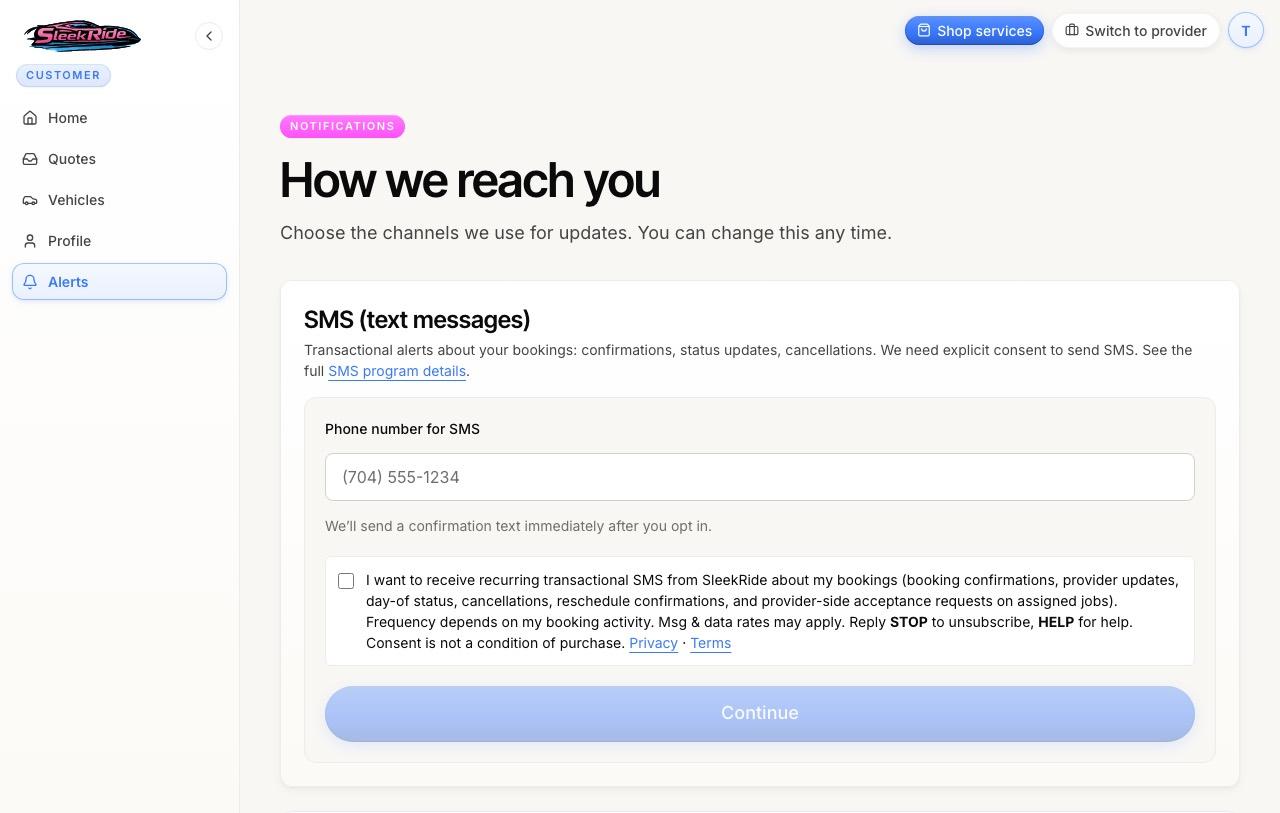
Text alerts are opt-in
SMS is off until you explicitly turn it on, and it only ever carries transactional booking updates. Opt in from the notifications page or the SMS program page. Reply STOP any time to unsubscribe, HELP for help.
- 03
Insurance contact comes from a licensed agency
If you send an insurance request, an agent from the agency named on the form contacts you directly. The switches on the notifications page do not cover that contact. Reply STOP to any text to stop texts, or email hello@sleekride.com to stop all contact.
Updated 2026-11-19. Something here doesn't match what you see? Tell us and we'll fix the guide.