
Start your fleet
Three fields, one CSV, and your whole Turo operation is on one dashboard. Free.
- 01
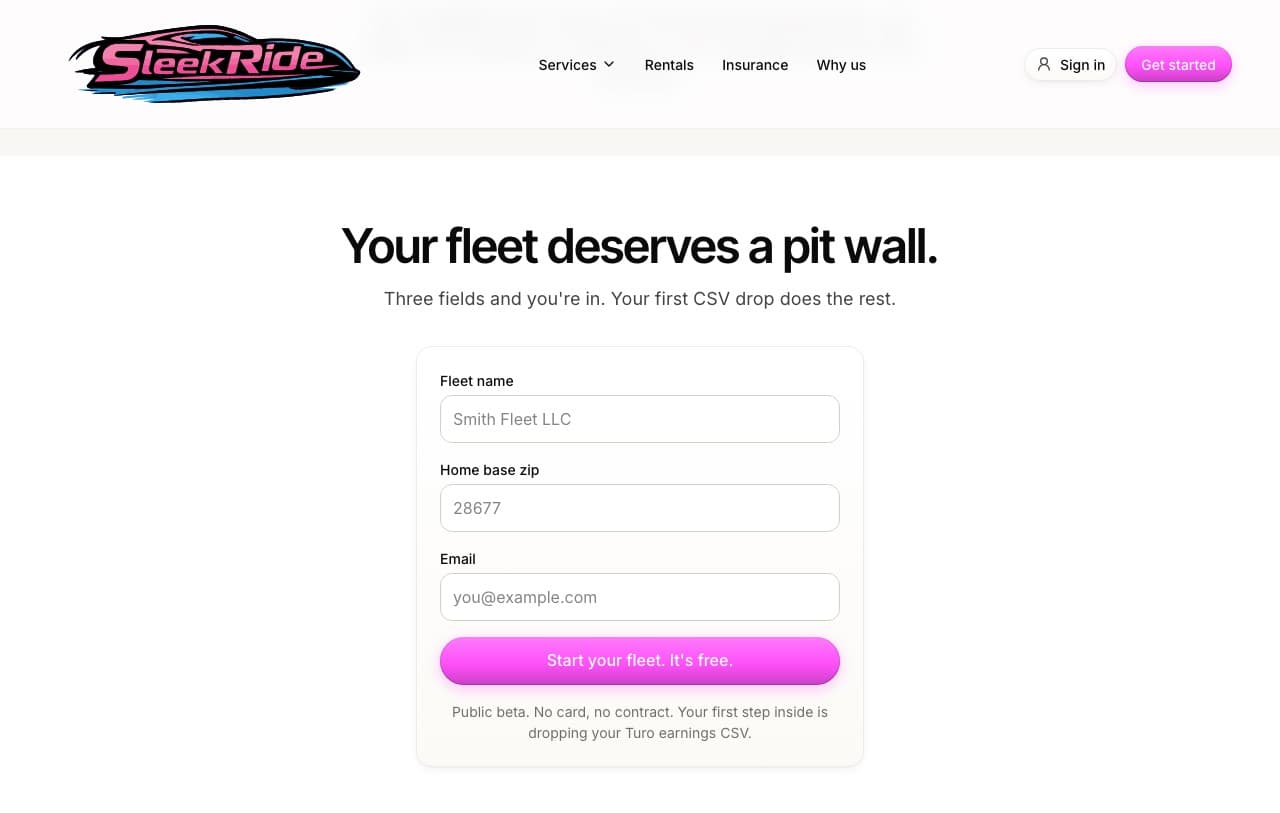
Sign up in three fields
Fleet name, home zip, email. That's the whole form on the fleet management page. You're signed in and standing in your dashboard in under a minute, no verification gauntlet.
- 02
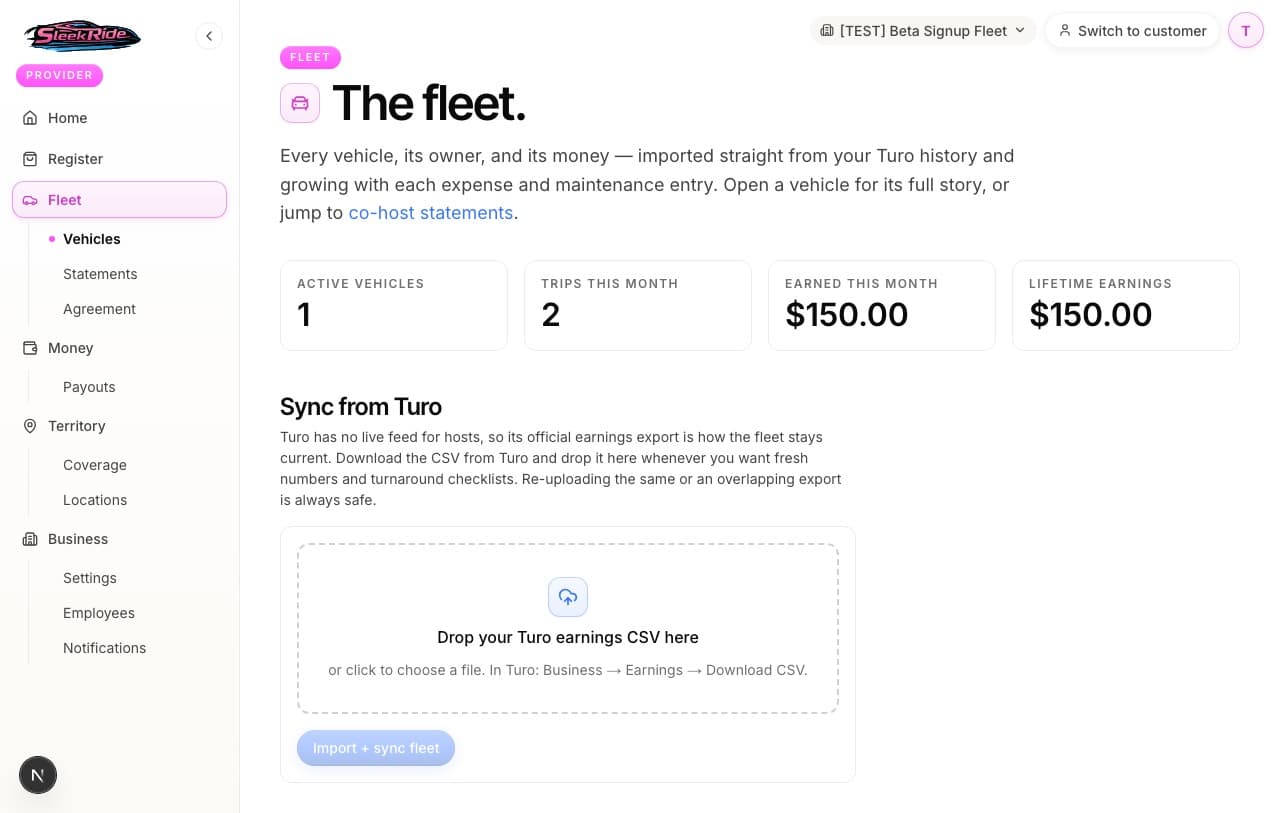
Drop your first Turo CSV
In Turo: Business, then Earnings, then Download CSV. Drag the file onto your fleet page and your vehicles, trips, and earnings history fill themselves in. Upcoming trips come along too, so turnaround checklists start working immediately.
- 03
Set each vehicle's owner and operator
Open a vehicle to set who owns it (for statements) and whether your operator manages its turnarounds. New vehicles from the CSV land unassigned so nothing is ever guessed.
The rules, plainly.
- Free means free
- The dashboard, the sync, the statements, the task board: no charge, no card on file. SleekRide earns the normal marketplace fee only when you book real service work for your vehicles through the platform.
- Built on Turo's official exports
- No passwords, no scraping, no rule-bending. Your earnings CSV and your trip emails are the whole integration, and your Turo account stays untouchable.
Updated 2026-07-07. Something here doesn't match what you see? Tell us and we'll fix the guide.