
My Garage and your profile
Your personal cars, your company's cars, and your fleet cars all live under My Garage. Keep your contact info current too.
- 01
Save your personal vehicles
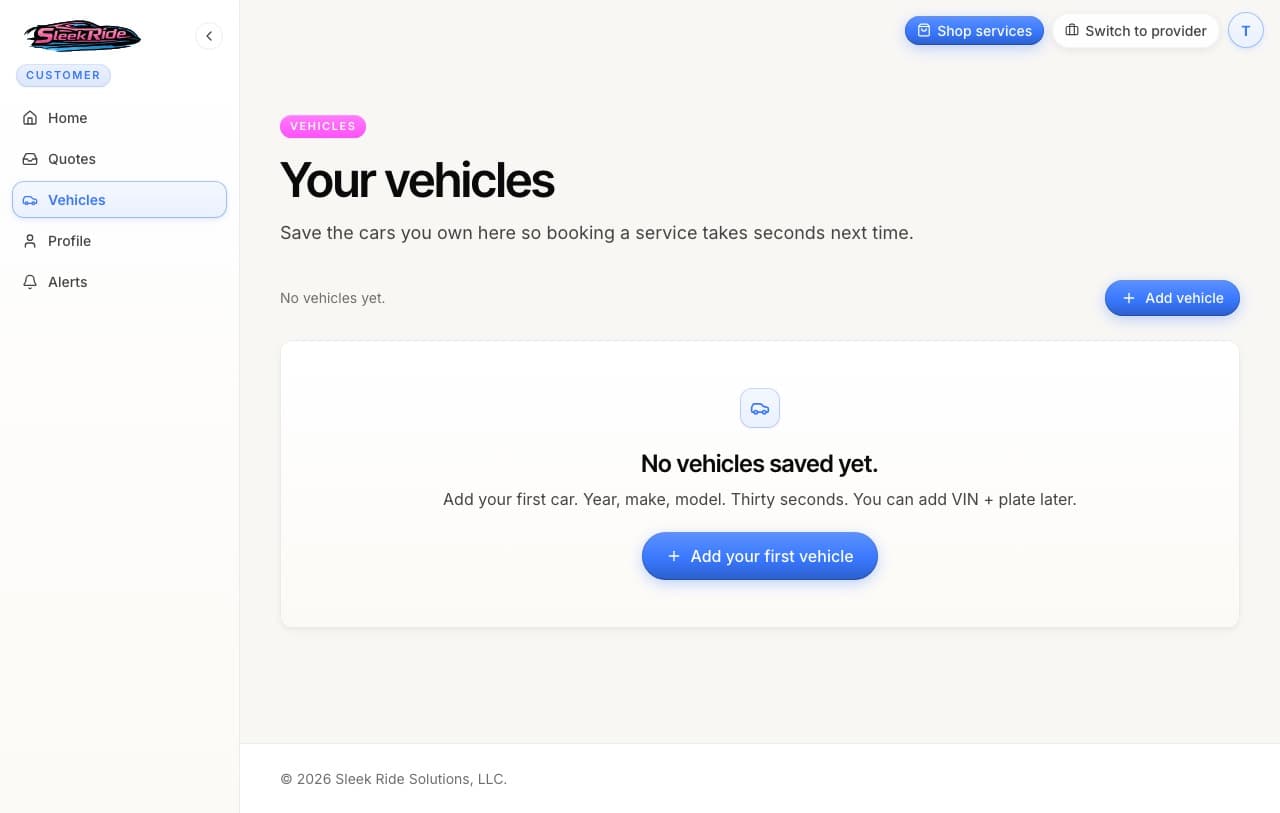
My Garage opens on Your vehicles, the cars you own. Year, make, model. Thirty seconds. VIN and plate are optional and can come later. Saved vehicles attach to bookings in one tap and build a service history per car.
- 02
See your company vehicles
If you own or work at a business on SleekRide, a Company vehicles section appears too, with the cars that belong to that business instead of to you. Pick one right on the booking form when you book a service. No extra step.
- 03
Check your Fleet vehicles
A linked co-host or a fleet owner gets a Fleet vehicles section as well. It shows the cars you share in, with one tap through to Fleet earnings for your balance and payouts.
- 04
Keep your profile current
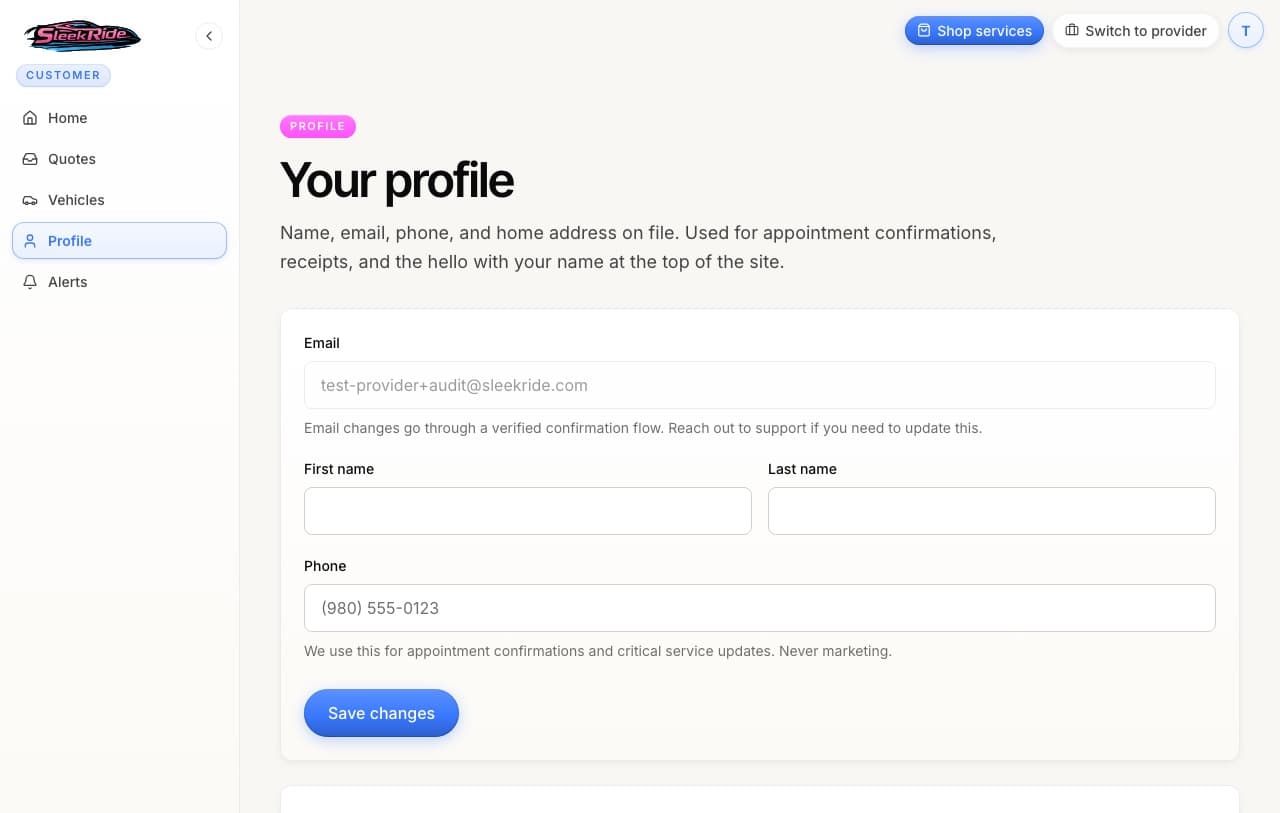
Your name, phone, and home address live on the profile page. The phone number is for appointment confirmations and critical updates only, never marketing. Your home address powers distance math and what pickup costs when you add it to your booking, and it is never displayed publicly.
The rules, plainly.
- Company and Fleet sections only show when they apply
- See only Your vehicles? You are not part of a business or a fleet on SleekRide yet. Join one or get linked and the extra sections appear on their own. No toggle required.
Updated 2026-07-26. Something here doesn't match what you see? Tell us and we'll fix the guide.