
Track your appointment
Live status, photos from the shop floor, and a direct line to your provider.
- 01
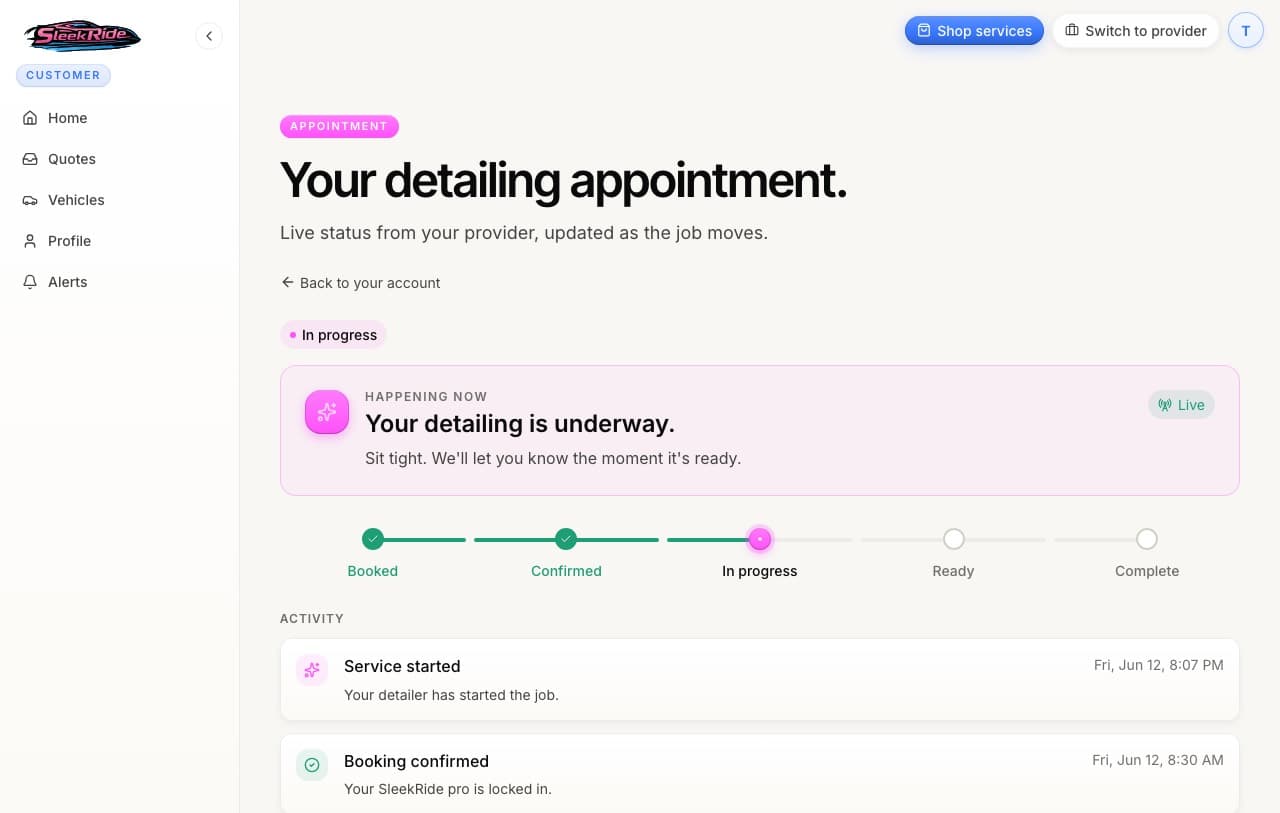
Watch the status move
Your appointment page shows five stages: Booked, Confirmed, In progress, Ready, Complete. The banner at the top always says what's happening right now, and it updates live while the page is open. No refreshing.
- 02
Photos land as the work happens
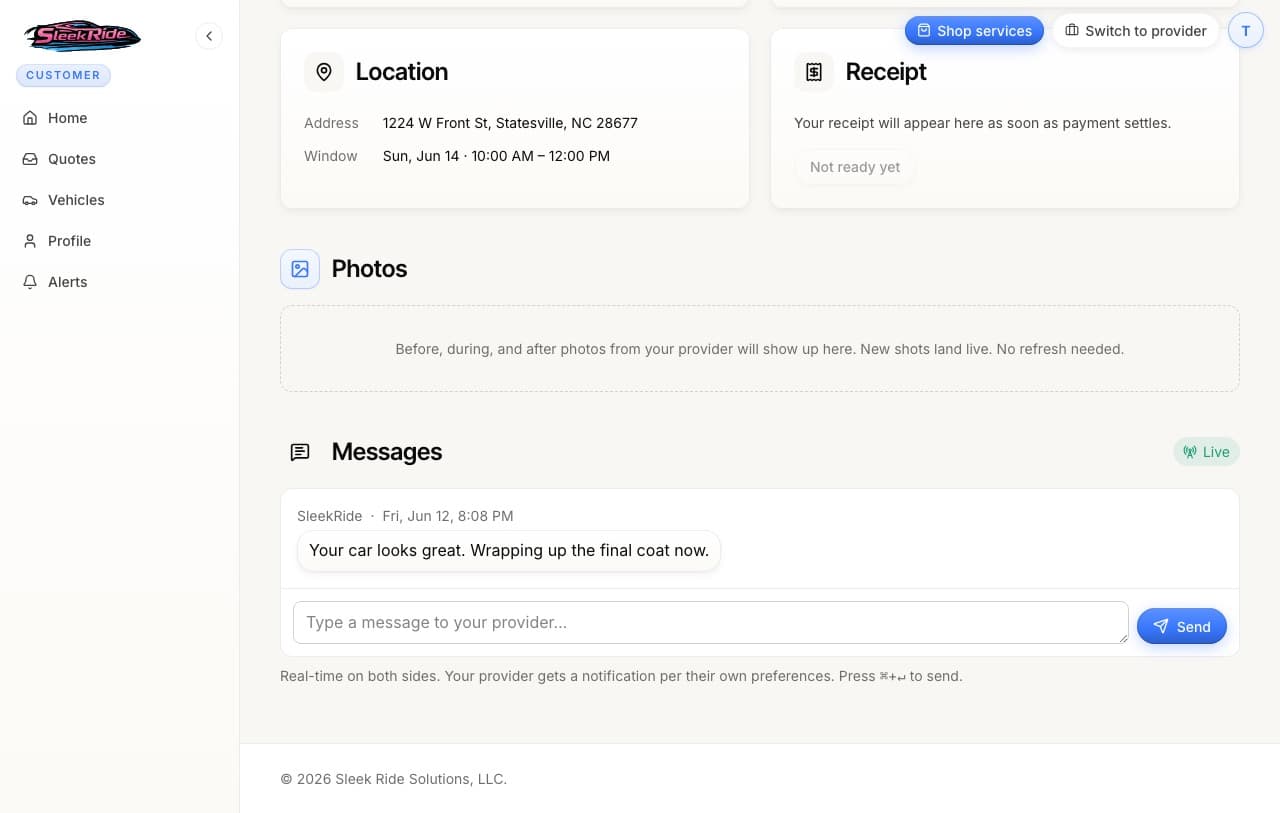
Providers photograph the job before, during, and after. New shots appear on your appointment page the moment they upload them.
- 03
Message your provider directly
The messages thread on your appointment page goes straight to the shop, live in both directions. No phone tag, and the whole conversation stays attached to the job.
- 04
Grab your receipt
As soon as payment settles, your Stripe receipt is on the appointment page to view or print. It stays there forever.
Updated 2026-07-07. Something here doesn't match what you see? Tell us and we'll fix the guide.